
Is CapCut Good For Real Estate? (Honest Review + Better Alternatives)
Last updated on
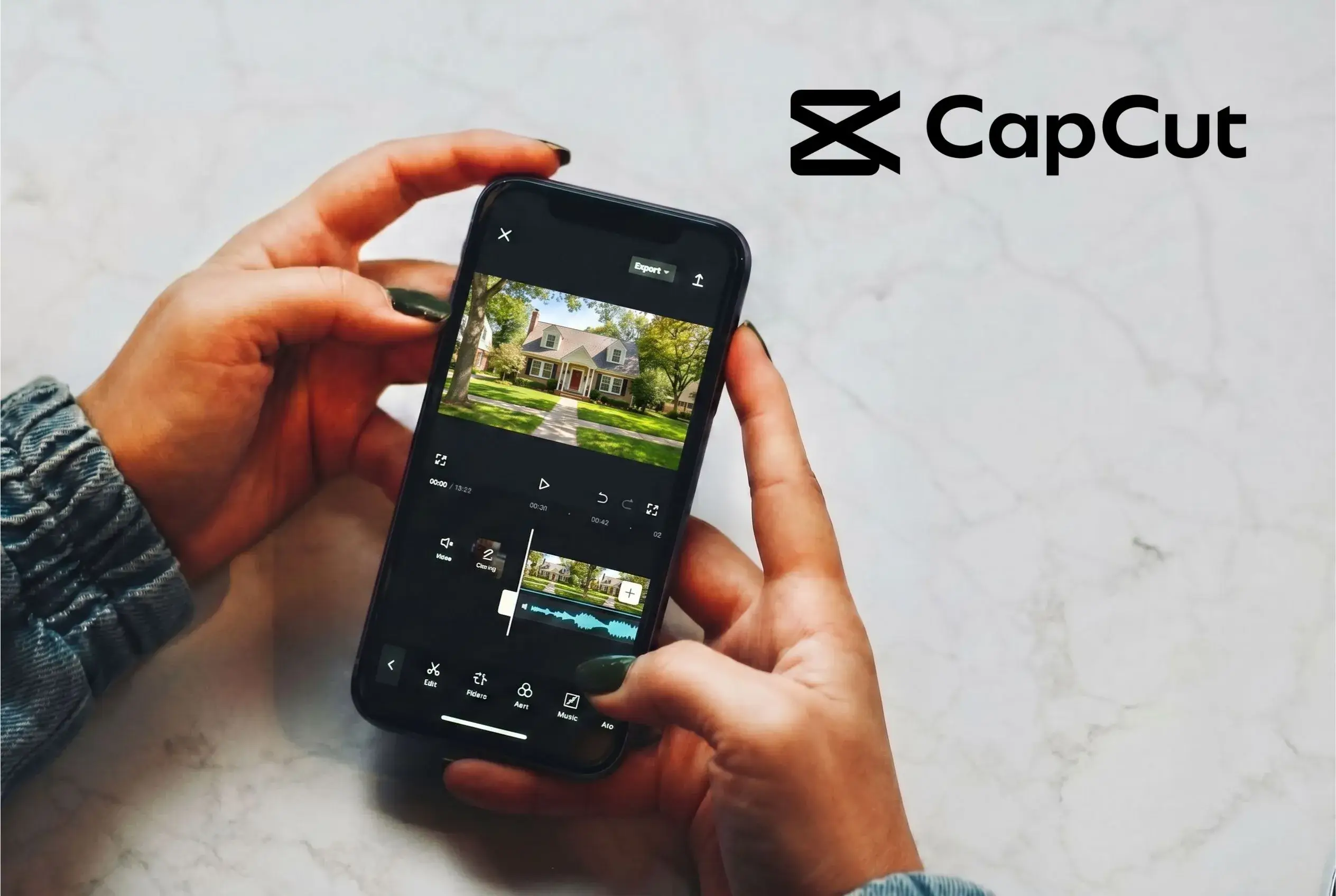
CapCut is a popular starting point for real estate professionals exploring video. It's free, familiar, and easy to pick up. But popular doesn't always mean the right tool for the job. Here's an honest look at what it does well for property marketing, where it has limits, and what to consider instead.
What CapCut Gets Right
CapCut has real strengths, especially for people just getting started with real estate video:
-
Free to use: No subscription, no commitment. You can download it and start experimenting with photos and clips right away.
-
Easy to learn: The drag-and-drop timeline doesn't require prior editing experience. Most real estate professionals can put together a basic clip without a tutorial.
-
Built for social: CapCut is designed with Instagram, TikTok, and Facebook in mind. For short teasers and reels, the templates and audio tracks fit well.
-
Works on phone and desktop: Useful when you need to throw something together on-site at a property and post it fast.
That said, even CapCut requires you to sit down, build a timeline, and assemble each video manually. For agents managing multiple listings, that time adds up quickly.
Where It Falls Short For Real Estate
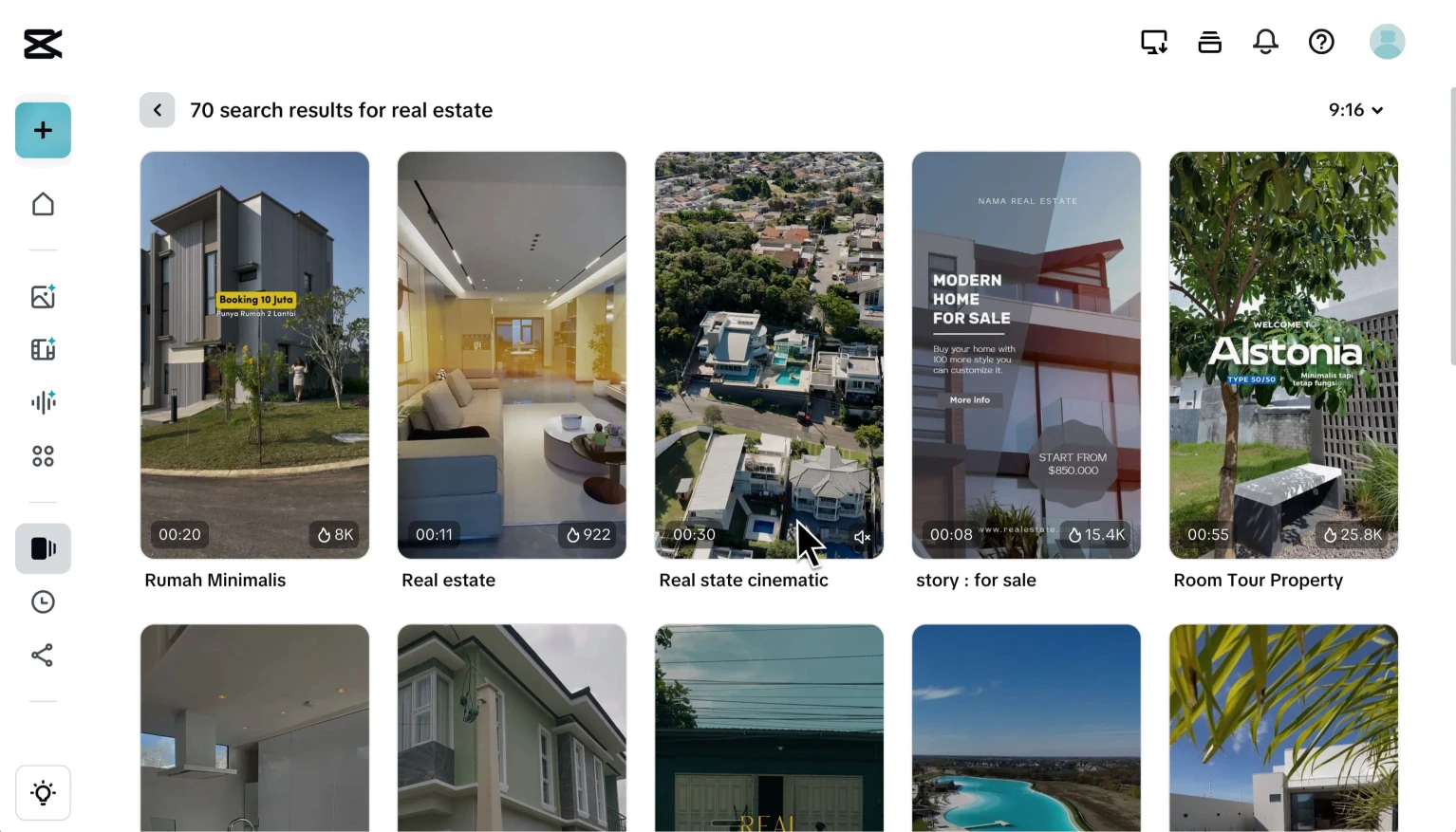
CapCut works well within its lane. The limitations show when real estate needs go beyond social clips, and the core issue is that CapCut depends on good footage to shine. Feed it professional video clips and it can produce something solid. But most real estate agents work with photos, not footage, and that's where things get complicated.
-
Everything is manual: Every image, caption, transition, and text overlay gets placed by hand on a timeline. For one listing it's manageable. Across multiple active listings, it becomes a real time sink.
-
No AI animation from photos: There's no way to turn still images into a moving walkthrough. If you want a listing video and only have photos, you need to film actual video clips first, which adds time, equipment, and skill to the process.
-
Templates built for entertainment, not property marketing: The library is wide, but the aesthetic is social-first. Getting a clean, professional look for a listing usually means fighting the defaults rather than working with them.
-
It's a video editor at its core: That's not a flaw, it's just what it is. CapCut is built for people who want hands-on control over a timeline. If you enjoy that process, it works well. But if you want something that builds the video around your listing automatically, no timeline, no manual assembly, a more specialized tool will serve you better.
Here's the quick read on where CapCut helps, where it needs extra work, and where it creates friction for listing-focused video marketing.
Feature | CapCut |
|---|---|
| Cost to start | Free |
| Learning curve | Low |
| Mobile editing | Yes |
Social-first tool | Yes |
Needs filmed footage | Yes |
Turns photos into videos | No |
Property-specific templates | Generic |
Timeline editing required | Yes |
Easy to add agent branding | No |
Listing-page-ready output | No |
Many-listing workflow | Tedious |
Using a Real-Estate-First Editor
A real-estate-first editor is built around one workflow: take your listing photos and turn them into a professional video, without a timeline, without manual assembly, and without needing footage you might not have.
Every feature exists to serve that single purpose, including outputs formatted for both listing pages and social media. No adapting a general tool to fit your needs, no fighting generic templates to get a professional result.
Real estate professionals use tools like Reesta to market their listings without the editing work.